

Artificial intelligence has moved from Silicon Valley boardrooms to your local pizzeria. What once seemed like technology reserved for chains with billion-dollar budgets is now accessible to independent operators and small restaurant groups through affordable, plug-and-play tools.
The numbers tell the story. According to Deloitte, 36% of restaurant operators now expect AI to enhance their operations, loyalty programs, and supply chains. The global restaurant AI market is projected to exceed $10 billion by 2027. Meanwhile, labor costs have surged since 2020, with turnover rates in the restaurant industry consistently hovering above 70%. Food inflation between 2021 and 2024 squeezed margins further, pushing operators to find efficiency wherever possible.
Real brands are already seeing results. McDonald’s piloted AI voice ordering in drive-thrus between 2021 and 2023. Wendy’s deployed AI systems that improved order accuracy and speed by processing voice inputs through natural language processing. Domino’s has leaned heavily into AI-powered delivery logistics. Closer to the independent side, UK restaurant group Dishoom has used AI tools to cut food waste, while Chili’s has implemented AI forecasting to optimize staffing across hundreds of locations.
This article focuses on specific, immediately usable applications—not abstract theory. Whether you run a single location or manage a multi-unit operation, you’ll find practical tools and quick wins you can implement in weeks, not years. We’ll cover front-of-house guest interactions, back-of-house efficiency, staffing and scheduling, marketing, and a realistic 90-day implementation roadmap.
One important framing before we dive in: AI complements human hospitality—it doesn’t replace your staff. Think of these tools as a digital sous-chef and assistant manager, handling repetitive tasks so your team can focus on the moments that actually matter to guests. The warmth of a great server, the creativity of a talented chef, the intuition of an experienced manager—none of that is going anywhere. AI just handles the busywork.
What Is AI in Restaurants (and What It Isn’t)?
Artificial intelligence in a restaurant setting simply means software that learns from data and makes decisions or predictions without being explicitly programmed for every scenario. Instead of following rigid “if-then” rules, AI systems recognize patterns and adapt. A chatbot on your website that answers guest inquiries about allergens uses AI. A scheduling tool that learns your Friday patterns and suggests optimal staffing uses AI. A recommendation engine that suggests adding loaded fries to a burger order uses AI.
It helps to understand three levels of technology often lumped together:
- Basic automation: Online booking confirmations that send automatically, or a timer that beeps when fries are done. No learning involved—just pre-set rules.
- Classic AI and machine learning: Demand forecasting based on two years of POS data and historical sales. The system learns from patterns (weather, day of week, local events) to predict how busy you’ll be tomorrow.
- Generative AI: Tools like ChatGPT that create new content—menu descriptions, email campaigns, social media posts—based on prompts and training data.
Here’s what each looks like in practice:
| Area
|
Example
| | --- | --- | |
Front of house
|
A voice AI system that answers phone calls during peak hours, takes reservations, and handles FAQs about parking and hours
| |
Back of house
|
Machine learning algorithms that analyze historical data from your POS to predict how much chicken breast to prep for Saturday
| |
Marketing
|
Generative AI drafting Instagram captions and email newsletters in your restaurant’s voice
| |
Let’s also set realistic expectations. AI cannot do several important things well today:
|
|
- Taste food or assess quality the way a trained chef can
- Fully understand local humor, cultural nuances, or the vibe of a regular who’s having a rough day
- Make complex ethical judgment calls about staffing, guest conflicts, or community relationships
- Replace the intuition that comes from years of experience in your specific market
Good uses vs. limitations of AI in restaurants:
- ✅ Answering routine questions 24/7
- ✅ Predicting demand based on patterns
- ✅ Generating first drafts of marketing content
- ❌ Replacing genuine human warmth in service
- ❌ Handling truly novel situations without oversight
- ❌ Making judgment calls that require emotional intelligence
Why Restaurants Are Adopting AI Now
The surge in restaurant AI adoption isn’t driven by hype—it’s driven by pain. Since 2020, operators have faced a perfect storm: labor shortages that made hiring feel impossible, inflation that pushed food costs up 20-30% in many categories, delivery app fees eating into margins, and guests who now expect instant digital responses to every inquiry.
Consider the data: turnover rates in the restaurant industry exceed 70% annually. Food inflation between 2021 and 2024 ranged from 5-12% year over year. A Zendesk CX Trends report found that 68% of customers now expect quick, empathetic responses to their messages—often within minutes, not hours. Meanwhile, chains and ghost kitchens have poured resources into AI, creating competitive pressure that independents can no longer ignore.
Key drivers pushing AI adoption:
- Rising wage and food costs: Minimum wage increases and ingredient inflation have compressed margins, making efficiency gains essential rather than optional.
- Difficulty hiring and retaining staff: With fewer applicants and high turnover, operators need technology that lets smaller teams handle the same volume.
- Demand for faster digital service: Online orders, messaging, and reservations have exploded. Guests expect restaurants to operate like e-commerce—immediate responses, easy transactions.
- Competition from AI-enabled chains: Quick service restaurants and ghost kitchens already use AI for ordering, inventory, and marketing. Independents risk falling behind.
- Growing volume of usable data: POS systems, delivery platforms, and reservation software generate massive datasets. AI tools can finally turn that data into actionable insights.
Here’s a scenario that illustrates the opportunity: imagine a three-location casual dining group with $4 million in annual revenue. Labor costs run 32% of sales—about $1.28 million. Food costs sit at 30%—$1.2 million. The group implements AI scheduling that reduces labor variance by 15% during slow periods and AI inventory management that cuts food waste by 20%. The combined savings: roughly $150,000 annually, flowing straight to the bottom line.
What AI can realistically impact in 6-12 months:
- Reduce food waste by 10-30% through better demand forecasting
- Trim labor variance by 15-20% with smarter scheduling
- Capture more orders by answering 100% of calls during peak hours
- Speed up guest response times from hours to seconds
- Increase average check by 8-15% through AI-driven upsells
Front-of-House AI: Serving Guests Faster and Smarter
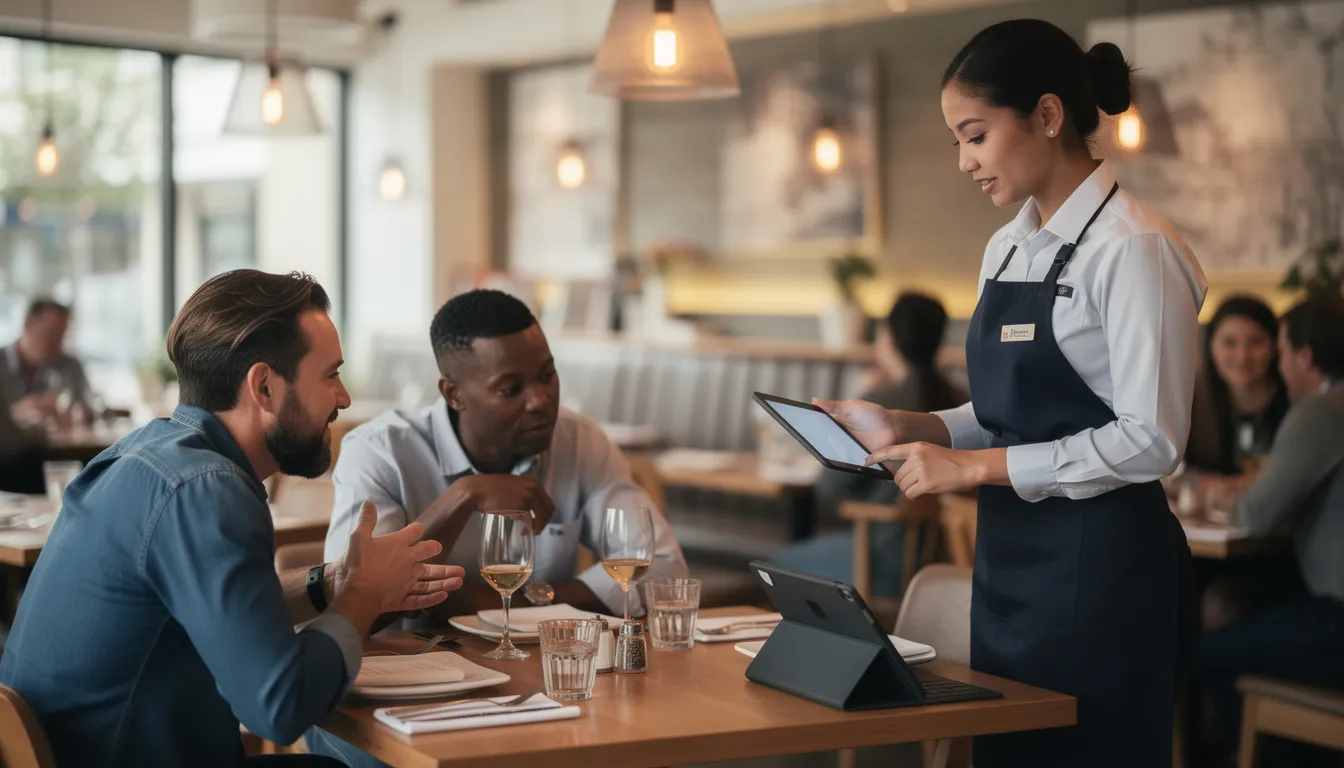
Front of house is often the quickest place to see AI benefits. Guest communication—phone calls, messages, reservations—involves repetitive tasks that AI handles well. Visit flow—seating, ordering, payment—can be optimized with AI-powered systems that learn from your specific patterns.
This section breaks down the key areas: phone answering and voice assistants, chatbots and messaging, reservations and table management, self-service kiosks and mobile ordering, and personalized recommendations. Many tools in these categories can be trialed within a week and don’t require new hardware beyond existing tablets, phones, or your website.
The technology areas to know include AI voice answering for phones (companies like Loman.ai specialize in this), AI chatbots for websites and social messaging, and AI-assisted reservation and table management software that integrates with your existing booking channels.
AI Phone Answering and Voice Assistants
Phone calls remain critical for restaurants—reservations, takeout orders, questions about hours and allergens—yet most restaurants miss 20-30% of calls during peak service. Staff are busy. The phone rings. Nobody answers. That’s lost revenue.
AI phone systems can automatically answer calls during peak service or after hours. They take and confirm orders, manage simple reservation requests, answer FAQs about parking, hours, and dietary options, and route complex issues to a human manager when needed.
Real-world examples are already proving this works. McDonald’s piloted drive-thru voice AI between 2021 and 2023. U.S. pizza chains have tested AI phone ordering that handles modifications, upsells, and payment. Loman.ai reports 100% call answer rates for restaurants using their voice AI, compared to 20-30% miss rates before implementation.
Operational impact of AI phone answering:
- Fewer servers interrupted during service to answer phones
- More captured orders after closing or during rush periods
- More consistent phone scripts (every caller gets accurate info)
- Order accuracy improvements due to AI’s ability to understand accents, confirm details, and handle edge cases
Before/after scenario: Friday between 6-8pm
Without AI: Your host is seating a party of six while the phone rings. It goes to voicemail. Three takeout orders are lost. Meanwhile, a server steps away from table 12 to answer another call, delaying drink service.
With AI: Every call is answered instantly. The AI takes two takeout orders, books a Saturday reservation, and answers three questions about allergen policies—all while your team focuses on guests in the dining room.
Implementation tips:
- Start by having AI handle FAQs only (hours, location, parking)
- Monitor call transcripts weekly to catch errors or confusing responses
- Keep humans available to jump in for VIP guests or complex situations
- Train the AI on your actual menu, policies, and common guest questions
Chatbots, Messaging, and AI Agents for Guest Inquiries
Beyond phone calls, guests reach out via website chat widgets, WhatsApp, Facebook Messenger, Instagram DMs, and SMS. AI agents can handle these channels 24/7, answering common questions without requiring staff attention.
Concrete use cases:
- Answering “Do you have vegan options tonight?” at 11pm
- Sending reservation links automatically when someone asks about availability
- Providing order status updates for online orders
- Handling catering inquiries with a guided Q&A flow that collects event details
The key to success is training your bot on real information—your actual menu, your real policies, and local language. If you’re in the UK, the bot should say “takeaway” not “to-go.” If you have a signature dish, the bot should know how to describe it.
Metrics to track:
| Metric
|
Target
| | --- | --- | |
Response time
|
Under 30 seconds for first reply
| |
Deflection rate
|
60-80% of inquiries handled without human help
| |
Guest satisfaction
|
Track reviews mentioning “quick response” or “helpful”
| |
Even small independents can start with a basic AI FAQ bot linked to their website and Instagram. Most platforms offer templates. You customize with your menu, hours, and common questions. Over time, add more complex workflows for catering, private events, and group bookings.
|
|
AI for Reservations and Table Management
AI-enhanced reservation systems go beyond basic booking calendars. They predict no-show rates by day of week and party size, recommend overbooking buffers, and suggest optimal seating plans to reduce empty seats and bottlenecks.
Example: A 60-seat bistro averaged 1.7 table turns on Friday nights. After implementing AI-assisted table allocation and waitlist management, they reached 2.1 turns within three months—a 24% increase in covers during peak hours.
Imagine a dashboard that color-codes reservations: green for confirmed regulars who always show, yellow for first-time bookers with higher no-show risk, red for parties that haven’t confirmed via text. The system suggests which tables to hold for 2-tops vs. 4-tops based on historical demand patterns. VIP guests are flagged so hosts can prepare.
Practical benefits:
- Shorter average wait times through better pacing
- Fewer double-bookings and awkward seating conflicts
- Better kitchen-floor coordination (the line knows how many covers are coming each hour)
- Improved capacity utilization—fewer empty tables during peak hours
Integrate your booking channels—Google Maps “Reserve” buttons, Instagram booking links, and walk-in tracking—so the AI has a complete picture of your reservation flow.
Self-Service Kiosks and Mobile Ordering
AI-powered self service kiosks and mobile ordering apps are no longer just for quick service restaurants. Food halls, fast-casual spots, and even casual dining venues now use them to reduce wait times and increase average check.
These systems adapt suggested items based on time of day and stock levels. A breakfast kiosk pushes pancakes at 9am; by noon, it’s featuring the lunch special. They remember regulars’ orders when guests log in. And they offer upsell suggestions—sides, desserts, combos—that match the current selection.
Examples by venue type:
| Setting
|
Technology
| | --- | --- | |
QSR
|
Standing kiosks near entrance
| |
Fast-casual
|
Tabletop tablets for ordering and payment
| |
Food halls
|
QR-code mobile ordering from any table
| |
Casual dining
|
Mobile ordering for bar areas or waiting guests
| |
Accessibility matters: text size options, multiple languages, and visual cues for allergies should be built into AI-guided menu flows.
|
|
KPIs to watch:
- Average check size (aim for 8-15% increase)
- Order accuracy (should exceed 95%)
- Order-to-serve time
- Percentage of orders via self-service vs. counter
Consider placement carefully. Kiosks near the entrance capture guests before they reach the counter. Tabletop tablets let seated guests order without flagging a server. Staff roles shift from order-taking to hospitality, food running, and quality checks.
Personalized Recommendations and Upselling
AI recommendation engines analyze patterns from thousands of past checks to suggest items that complement what a guest is already ordering. When someone orders a burger, the system might suggest a higher-margin craft beer or loaded fries instead of a low-margin soda.
These systems consider:
- Current order contents
- Historical guest behavior (for logged-in or known customers)
- Margins and prep time of menu items
- Dietary tags and allergy data
How it works at a high level: The AI notices that 80% of guests who order a specific burger also order fries. When someone orders that burger without fries, the system prompts: “Add our hand-cut fries?” That’s not random—it’s pattern recognition from historical data.
Success scenario: A fast-casual brand enabled AI-driven upsell prompts in its app and kiosks. Over three months, average check increased 11%. The AI learned which suggestions worked for which items and adjusted in real time.
Keep it guest-friendly:
- Limit prompts to 1-2 per order
- Never suggest items that clash with dietary labels (don’t recommend bacon to a vegan order)
- Frame suggestions as helpful, not pushy (“Pairs great with…” rather than “Add this NOW!”)
Back-of-House AI: Smarter Kitchens, Inventory, and Waste Reduction
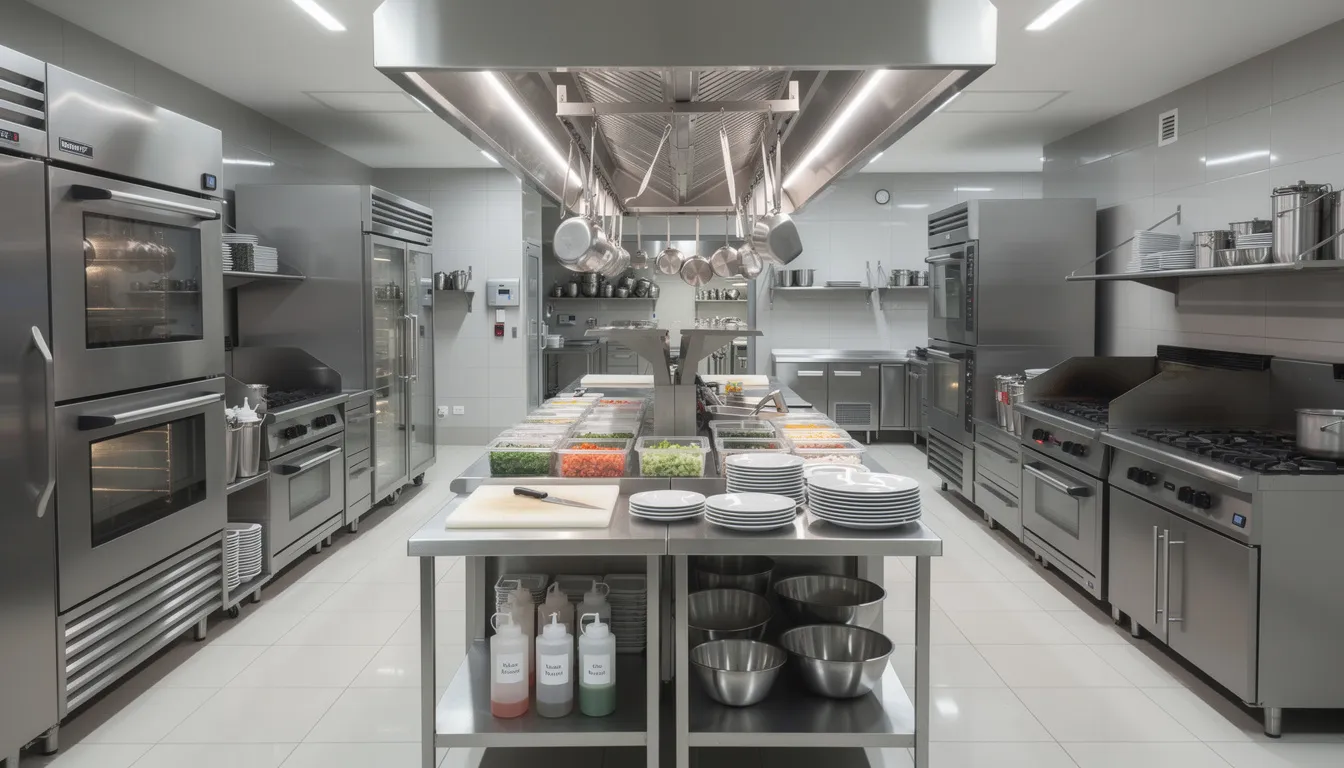
Back of house is where AI quietly saves the most money. Reduced waste, more precise prep, better purchasing decisions—these improvements flow directly to your bottom line without guests ever noticing the technology behind them.
Food waste costs are staggering. Industry estimates suggest waste often equals 4-10% of food purchases. Globally, food waste represents roughly $2.6 trillion in lost value annually. For a restaurant doing $2 million in sales with 30% food costs, even a 20% reduction in waste could save $12,000 per year.
The magic happens when you combine POS data, vendor invoices, and prep records inside a restaurant data warehouse and intelligence platform. AI tools analyze these sources to recommend exactly how much to prep on a Tuesday versus a Saturday, when to reorder avocados before a Cinco de Mayo weekend, and which menu items consistently generate waste.
AI-Powered Inventory and Purchasing
AI inventory management tools connect to your POS, vendor data, and sometimes kitchen scales or smart fridges, ideally sitting on top of a POS-agnostic data infrastructure. They forecast ingredient usage by daypart and day of week, generate suggested order quantities, and alert managers when usage patterns spike or drop unexpectedly.
A real workflow transformation: Weekly order creation that used to take 2 hours—pulling reports, checking par levels, calling vendors—now takes 10 minutes. The AI generates order suggestions based on forecasted demand. The manager reviews outliers, adjusts for any promotions or events not in the system, and approves.
Results operators have seen:
| Metric
|
Improvement
| | --- | --- | |
Stockouts
|
Reduced by 30-50%
| |
Inventory on hand
|
Cut by 5-10 days
| |
Order accuracy
|
Increased significantly
| |
Manager time on ordering
|
Reduced by 80%
| |
These systems detect seasonal patterns automatically. They notice you need more salads in June and more soups in January. They flag that avocado usage spikes the week before Super Bowl Sunday. They learn your specific patterns—not generic industry averages.
|
|
Important reminder: Keep a human check in place for promotions, one-off events, or local festivals that may not be in historical data yet. The AI learns from the past; managers know the future.
Waste Analytics and Menu Engineering
AI waste analytics tools examine your voids and comps in the POS, prep versus sales variance, plate waste reports (if staff log what comes back), and delivery platform data showing items frequently modified or rejected, especially powerful when you’ve unified data from multiple POS systems into one source of truth.
This analysis reveals high-waste items, problematic portion sizes, and menu items that rarely sell at full price.
Example: An AI analysis reveals that a specific appetizer has a 25% waste rate and low contribution margin. Investigation shows the portion size is too large—guests don’t finish it, and they rarely order it without a discount. The restaurant reformulates the dish with a smaller portion and lower price point. Waste drops, margins improve.
AI-based menu engineering borrows from classic restaurant consulting and applied pricing and elasticity modeling, categorizing items as:
- Stars: High popularity, high margin—promote heavily
- Workhorses: High popularity, lower margin—consider price increases
- Puzzles: Low popularity, high margin—reposition or promote
- Dogs: Low popularity, low margin—candidates for removal
Australian Venue Co. (AVC) is developing an AI menu analysis model that evaluates dishes via volume, contribution margin, and total contribution, then recommends optimizations like repositioning high-margin items or adding dietary-friendly options.
Before/after example: A restaurant trimmed its menu from 52 items to 40 based on AI menu engineering recommendations. Kitchen complexity dropped. Training time for new cooks decreased. Food cost improved by 2.5 percentage points over six months.
Kitchen Operations and Smart Equipment
Beyond robots, AI now appears in everyday equipment. Combi ovens run auto programs that adjust based on load. Fryers modify timing based on batch size. Smart grills log temperatures for consistency and compliance.
2022-2025 examples: Several QSR chains have deployed burger-flipping robots and robotic fry stations. These aren’t replacing cooks—they’re handling the most repetitive, consistency-critical tasks while humans focus on quality checks and complex preparations.
AI can optimize prep schedules by:
- Forecasting peak hours based on reservations, weather, and historical patterns
- Calculating mise en place quantities for each daypart
- Sequencing tasks to reduce bottlenecks on the line
Imagine a kitchen display showing live ticket counts, a predicted surge in 15 minutes, and recommended batch sizes for rice, fries, and sauces. Cooks can prep proactively rather than scrambling reactively.
Training matters: Staff need to trust alerts and adjustments. Start by showing them the AI’s predictions alongside actual results. When they see the system accurately forecasting a 6pm rush three days in a row, they’ll start believing the recommendations. Keep manual overrides available—experienced chefs know things the data doesn’t.
Food Safety, Temperature Monitoring, and Compliance
AI-enabled sensors continuously monitor fridge and freezer temperatures. They send alerts when doors are left open or units drift out of safe range. They log data automatically for health inspectors, replacing manual clipboard checks.
Real scenario: Sensors installed in walk-ins and under-counter fridges in 2024 detected a breaker trip at 2am. The system texted the manager immediately. He arrived, reset the breaker, and saved $3,000 worth of inventory that would have spoiled by morning.
Computer vision can monitor hand-washing compliance or glove usage in high-risk prep areas. A camera detects when someone leaves the prep station without washing hands and triggers a reminder. Privacy considerations matter here—communicate clearly with staff about what’s monitored and why.
Data retention: Keep digital logs for 12-24 months for compliance and insurance documentation. If there’s ever a food safety incident or health inspection question, you’ll have timestamped evidence of your protocols.
Quick-win safety projects:
- Month 1: Install temperature sensors in walk-ins and critical fridges
- Month 2: Set up automated alerts for out-of-range temperatures
- Month 3: Add AI checklist monitoring for opening/closing procedures
- Month 4: Evaluate computer vision for high-risk prep areas
People and Planning: Staffing, Scheduling, Training, and Hiring with AI
Labor typically runs 25-35% of restaurant sales—the largest controllable expense for most operators. Since 2020, staffing has become one of the biggest headaches: turnover exceeds 70% annually, scheduling conflicts frustrate managers and staff alike, and hiring feels like a never-ending cycle.
AI tools can help across the employee lifecycle: forecasting demand to optimize schedules, screening applicants more efficiently, and coaching staff based on performance data. Chili’s reported approximately 20% improvement in scheduling accuracy with AI forecasting. Other brands have cut over-scheduling by more than 20%.
The framing matters here. Position these tools as supporting management and giving staff more predictable lives—not as surveillance or a way to squeeze every second. Done right, AI scheduling means fewer last-minute shift changes and more consistent income for hourly workers, especially when you avoid the pitfalls of generic, uninformed AI in restaurant analytics.
AI-Driven Scheduling and Demand Forecasting
AI scheduling tools analyze historical sales by 15-30 minute intervals, weather patterns, holidays and local events, third-party delivery volume, and reservations and waitlist data. They synthesize these inputs into suggested labor plans per station—host, line cook, bartender, delivery packer—for each day.
Mini example: An AI forecast for a warm Saturday in July predicts 280 covers, recommending 4 line cooks, 2 prep cooks, 3 servers, and 2 hosts. A rainy Wednesday in October predicts 140 covers, recommending 2 line cooks, 1 prep cook, 2 servers, and 1 host. The system doesn’t just say “busy” or “slow”—it specifies exact staffing by role.
Metrics to track:
| Metric
|
Goal
| | --- | --- | |
Labor cost as % of sales
|
Stay within 1-2 points of target
| |
Service times
|
Meet standards during all dayparts
| |
Staff overtime
|
Minimize through accurate forecasting
| |
Last-minute shift changes
|
Reduce by 50%+
| |
Best practices:
|
|
- Keep managers involved in approving schedules—AI suggests, humans decide
- Incorporate staff preferences (some want morning shifts, others prefer evenings)
- Use AI forecasts for labor budgeting each period, not just day-to-day scheduling
- Review forecast accuracy weekly and flag events the AI missed
Hiring, Screening, and Retention Analytics
AI can help write clearer, more inclusive job posts based on what language has attracted successful candidates in the past. It can screen applications for required experience without biasing on names or addresses. Some systems predict which candidates might stay longer based on historical patterns—though bias risks require careful management.
Example: A fast-casual chain hiring 200 seasonal staff for summer 2025 used AI pre-screening to review applications for basic qualifications, schedule interviews automatically, and flag candidates who matched profiles of successful past hires. Time-to-hire dropped from 20 days to under 10.
Compliance and fairness: Human review is still required. AI can help efficiency, but a manager should make final hiring decisions. Be careful that training data doesn’t replicate historic discrimination. If your past hiring skewed toward certain demographics, the AI might learn those patterns.
Retention dashboards use AI to flag risk factors: a sudden drop in shifts, survey responses indicating schedule dissatisfaction, or commute distances that predict turnover. This lets managers have proactive conversations before employees quit.
Ethical guardrails before deploying AI hiring tools:
- Audit training data for historic biases
- Ensure human review of all hiring decisions
- Don’t use AI to screen out protected characteristics
- Communicate clearly with applicants about how AI is used
- Regularly test for disparate impact across demographic groups
Training, Coaching, and Performance Support
AI can analyze POS and guest feedback to identify coaching opportunities: servers who excel at dessert upsells but struggle with appetizers, bartenders with longer ticket times, or new hires who need extra menu knowledge support.
AI-driven micro-learning pushes short training modules, videos, or quizzes based on each employee’s performance data. A server who’s struggling with wine pairings gets a 3-minute video on the topic. A cook with inconsistent plating gets a visual refresher.
Mini case: A multi-unit group used AI insights to target training over three months. They identified that servers who mentioned the daily special sold it 3x more often than those who didn’t. Training focused on daily special awareness. Average check increased 6%, and comped items decreased as servers answered guest questions more confidently.
On-shift AI support: Tablets that surface allergen info or recipe steps on demand. When a cook says “show me chicken marsala,” the recipe appears instantly. This reduces errors and speeds up service, especially for newer staff.
Transparency matters: Explain what data is tracked, how it’s used, and how AI insights can help employees earn bonuses or promotions. When staff see AI as a tool for their success rather than surveillance, adoption improves dramatically.
Marketing, Content, and Guest Relationships Powered by AI
AI is reshaping restaurant marketing—from social media posts and SEO to personalized offers—without requiring a full-time marketing team. For operators stretched thin, AI tools can maintain a consistent presence across channels that would otherwise go silent.
This section covers AI content creation, review and feedback analysis, guest segmentation and loyalty, and dynamic promotions. Many tools are low-cost or already embedded in platforms you use today: email systems, CRM tools, and POS marketing modules.
The human filter remains essential. AI-generated content needs review to ensure it stays on-brand, culturally appropriate, and aligned with your restaurant’s personality. But AI can handle first drafts, freeing you to edit rather than create from scratch.
Example: A small independent in Denver uses generative AI to maintain a weekly Instagram posting schedule and monthly email newsletter. The owner spends 2 hours per week reviewing and tweaking AI drafts rather than 8 hours creating content from scratch.
AI Content Creation for Menus, Social Media, and Email
Generative AI can draft menu descriptions tailored to specific cuisines and dietary tags, propose weekly social media calendars with captions and image ideas, and write email campaigns for holidays, new menu launches, or local events.
Before/after menu description:
Before: “Pasta with tomato sauce and vegetables.”
After: “House-made rigatoni tossed in San Marzano tomato sauce with roasted zucchini, sweet peppers, and fresh basil, finished with shaved Parmigiano-Reggiano.”
Feed AI with brand details: your tone (casual? upscale?), typical guests (families? young professionals?), location specifics, and signature dishes. The more context, the better the output.
Practical safeguards:
- Always proofread for errors and awkward phrasing
- Verify allergens and prices manually—AI can hallucinate
- Avoid health claims (“this dish boosts immunity”)
- Localize references and slang for your market
Seasonal content AI can help plan:
| Date
|
Content opportunity
| | --- | --- | |
Valentine’s Day
|
Tasting menu promotion, couples’ special
| |
Ramadan
|
Iftar buffet announcements
| |
July 4th
|
BBQ specials, outdoor dining
| |
Local festivals
|
Tie-ins with neighborhood events
|
Review Mining and Guest Feedback Analysis
AI tools can scan hundreds of reviews from Google, Yelp, TripAdvisor, and delivery apps, then summarize recurring themes, quantify sentiment by daypart or menu item, and surface specific operational issues—while also highlighting broader restaurant data analytics trends and risks you might miss day to day.
Example: AI analysis of 90 days of reviews reveals that “cold fries on deliveries” appears in 19% of 1-3 star ratings. The operations team investigates and discovers that fries sit too long in the delivery staging area. They change packaging and adjust timing. Cold fries mentions drop to 4% within a month.
Visualize this for staff meetings: top 5 compliments (great cocktails, friendly servers, amazing pasta), top 5 complaints (parking, wait times, cold food on delivery).
Closing the loop: Use AI to draft personalized responses to reviews. The AI writes a thoughtful reply; a manager reviews and edits in 30 seconds rather than 3 minutes. Response rates increase, which improves overall ratings.
Weekly ritual: Spend 30 minutes every Monday reviewing AI-generated insights from the past week’s reviews. Assign one tangible improvement for the coming week. Over time, this compounds into meaningful customer satisfaction gains.
Segmentation, Loyalty, and Personalized Offers
AI-driven CRM tools segment guests (weekday lunch regulars, families, vegetarians, high spenders), predict who is likely to churn, and recommend personalized offers at the right time.
Example: The system identifies guests who haven’t visited in 60 days. It sends a “we miss you” email with a targeted incentive—a free appetizer or drink—based on customer preferences from past visits. Win-back rates increase significantly compared to generic blast emails.
Data points these systems use:
- Visit frequency and recency
- Average spend per visit
- Favorite menu items
- Response to past promotions
- Dining occasion (lunch vs. dinner, solo vs. group)
Privacy and consent: Respect opt-in rules. Allow guests to control their data. Avoid overly “creepy” personalization—knowing someone’s birthday is helpful; commenting on their exact order from 6 months ago can feel invasive.
Example campaigns combining AI segmentation with human creativity:
- Birthday dessert program: AI identifies birthdays; you offer a free dessert
- Mid-week locals discount: AI segments guests by distance; you offer 10% off Tuesday-Wednesday
- Loyalty program upsells: AI identifies high spenders not enrolled in loyalty; you send targeted enrollment offers
Pricing Optimization Is Not Surge Pricing
AI can help a restaurant estimate the optimal price for each product at each store based on customers’ maximum willingness to pay. That does not mean changing prices minute by minute, raising them when demand spikes, or charging more during a busy lunch. The model can keep learning as new evidence arrives, while the customer-facing price remains stable until the brand deliberately updates its price file.
The same base price should apply across a brand’s owned channels. A guest should not pay a different price for the same item simply because they ordered at the counter, in the drive-thru, or through the brand’s own website or app. Third-party delivery marketplaces are different: a consistent markup may be appropriate there to offset commissions and other incremental channel costs.
Planned promotions are separate from dynamic pricing. Transparent programs such as happy hour, a published weekday special, or a targeted loyalty offer give guests clear terms before they order. They are not the same as hidden price changes based on real-time demand.
Where AI can help:
- Estimate willingness to pay for each store-product combination
- Identify where a stable base price may be too high or too low
- Model expected unit, traffic, and margin effects before a price-file change
- Evaluate a clearly defined promotion after it runs
- Monitor whether third-party delivery markups recover channel costs without damaging demand
The operating rule is straightforward: use AI to improve the evidence behind a deliberate pricing decision, not to automate constant price changes. That is the foundation of Quantiiv’s applied pricing approach.
Risks, Limitations, and Ethical Considerations of AI for Restaurants
AI is powerful but imperfect. Implementing AI deliberately—especially where guests, staff, and data are concerned—protects your business and your reputation.
Main risk categories:
| Risk
|
Description
| | --- | --- | |
Data privacy and security
|
Guest contact info, payment data, and behavior patterns require protection
| |
Biased decisions
|
AI can replicate historic discrimination in hiring or promotions
| |
Over-automation
|
Too much technology can harm the hospitality that makes restaurants special
| |
Over-reliance
|
Following AI recommendations without human judgment leads to errors
| |
Cautionary example: A restaurant’s AI chatbot, trained on insufficient data, told a guest with a severe nut allergy that a dish was safe—when it actually contained almonds. The guest fortunately double-checked with a human server. The lesson: AI should never be the final word on safety-critical information.
|
|
Governance basics:
- Designate who in the organization approves new AI tools
- Review AI settings and outputs monthly
- Train staff on how AI is used and its limitations
- Document decisions and maintain audit trails
Checklist for evaluating any AI product:
- ☐ Who owns the data you input?
- ☐ Can you export your data if you switch providers?
- ☐ Can you turn features off if they’re not working?
- ☐ Are there clear logs of AI decisions for auditing?
- ☐ Does the provider support local regulations (GDPR, CCPA)?
How to Start with AI in Your Restaurant: A 90-Day Roadmap
You don’t need to adopt everything at once. A phased approach over roughly three months lets you learn, adjust, and build confidence before scaling.
Weeks 1-2: Identify Pain Points and Audit Systems
Ask diagnostic questions:
- Where do we lose the most time? (Phone calls during rush? Manual inventory counts? Scheduling back-and-forth?)
- Where are errors most expensive—waste, labor, or missed calls?
- What data do we already have in POS, spreadsheets, and reservation systems?
Audit your current technology stack. What integrations are possible? What data is already being collected but not used?
Weeks 3-6: Pilot 1-2 Low-Risk Tools
Start with something that won’t disrupt core operations if it doesn’t work perfectly:
- AI phone answering for FAQs only (hours, location, parking)
- Review analysis to identify top complaints
- Scheduling assistance for forecast suggestions (manager still approves)
Set specific goals with numbers:
| Goal
|
Target
| | --- | --- | |
Phone answer rate
|
95%+ of calls
| |
Review response time
|
Within 24 hours
| |
Schedule creation time
|
Reduce by 50%
| |
Monitor weekly. Adjust settings. Train staff on new workflows.
|
|
Weeks 7-12: Expand and Integrate
Based on pilot results, expand to higher-impact areas:
- Inventory forecasting connected to POS data
- Marketing content support with generative AI
- Reservation optimization with AI-assisted table management
Integrate tools where possible. When phone AI, reservation system, and POS share data, the AI gets smarter. When inventory forecasting connects to ordering or a central restaurant data intelligence platform, the workflow becomes seamless.
Sample 90-day goals:
- Reduce food waste by 10%
- Answer 100% of phone calls during operating hours
- Reply to all guest emails within 2 hours
- Cut scheduling time from 4 hours to 1 hour weekly
- Increase average check by 5% through AI-driven recommendations

Conclusion: Building AI as an Ongoing Capability
Implementing AI in your restaurant isn’t a one-time project—it’s an ongoing capability to build. The tools will evolve. Your data will improve. Your team will get better at using AI insights to make informed decisions.
Start with one pain point. Pilot one tool. Measure results. Expand thoughtfully.
The restaurants that will thrive in the next decade won’t be the ones with the fanciest robots or the most complex algorithms. They’ll be the ones that use AI to handle repetitive tasks while doubling down on human hospitality. AI answers the phone so your host can greet the guest walking in. AI forecasts demand so your chef can focus on quality rather than guessing quantities. AI drafts the email so your manager can spend time on the floor.
Restaurant technology works best when it’s invisible to guests. They shouldn’t notice your AI—they should notice that their calls get answered, their food arrives hot, their server remembers their favorite wine, and their experience feels personal.
The best implementations keep human warmth at the center. AI is the support system. Your people are the stars.
Your next step: Pick one section of this article that addresses your biggest current challenge. Research one tool in that category. Trial it for 30 days. See what happens.